Text
How to test a regular expression
You are writing a pattern for code, a search box or a spreadsheet and want to see what it matches before you use it. You will type the pattern, paste sample text and read every match. \b\w+@\w+\.\w+\b finds simple email addresses. Nothing leaves this tab.
Open the regex tester with a few lines of real text, including lines that should not match. It uses the JavaScript flavour, the same as browsers and Node.js. Nothing is uploaded.
Open Regex testerContents
Know the building blocks
\d is a digit, \w a letter, digit or underscore, \s a space, . any character. + means one or more, * zero or more, ? optional. ( ) captures a group; \b is a word boundary.
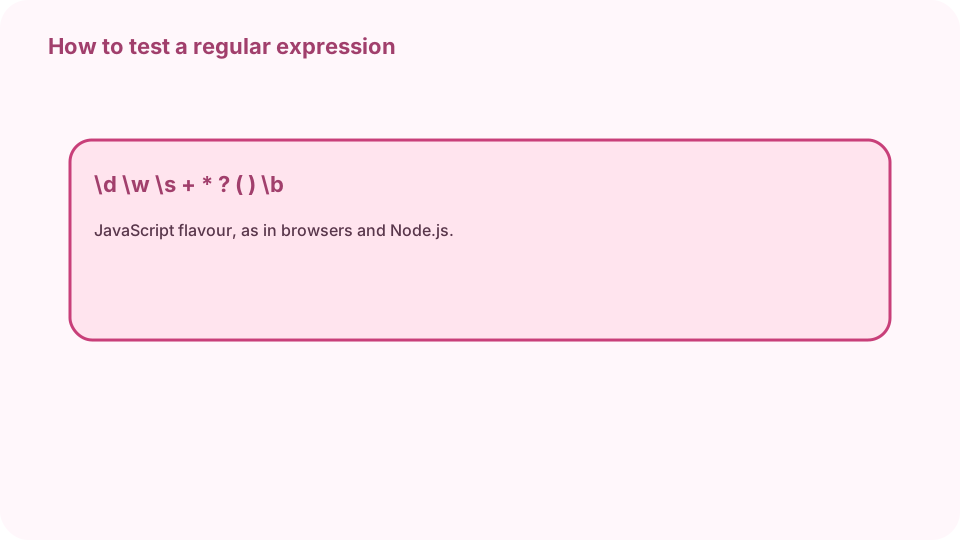
\d digit, \w word character, \s space, + one or more, ( ) capture group, \b word boundary. Open Regex tester on cv.cm
The pattern box, the flags and the test text are ready. Nothing is uploaded.
Open Regex testerType the pattern and paste text
Type the pattern without slashes, for example \d{4}-\d{2}-\d{2} for dates such as 2026-10-29. Paste text with lines that should and should not match.
Set the flags
g finds every match instead of the first; i ignores case; m makes ^ and $ work per line; s lets . match line breaks; u enables full Unicode. The match count line shows the active flags.
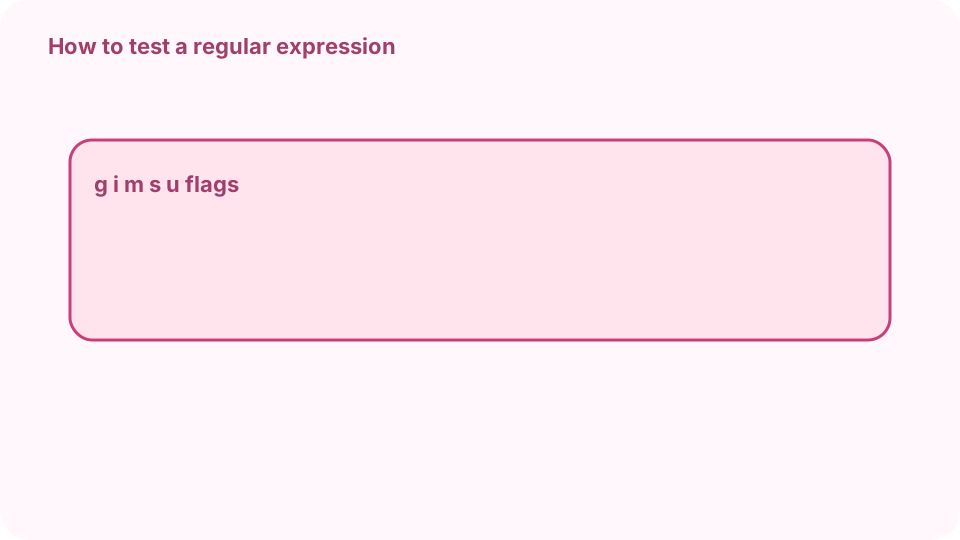
Flags: g all matches, i ignore case, m per line, s dot matches newline, u Unicode. Read matches and groups
Each match lists its text and capture groups. (\d{4})-(\d{2}) on 2026-10 gives group 1 = 2026 and group 2 = 10. A pattern that matches too much usually needs \b or a narrower class.
Preview a replacement
Type a replacement: $& is the whole match, $1 the first group. [$&] wraps each match in brackets. Copy matches puts every match on the clipboard.
FAQ
Can I test a regex free online?
Yes. cv.cm runs it in this tab. Nothing is uploaded.
Which regex flavour is it?
JavaScript, the same as browsers and Node.js. Most simple patterns work the same in Python and Java.
Why do I only get one match?
Turn on the g flag to find every match.
How do I use a capture group in the replacement?
$1 is the first group, $2 the second, $& the whole match.
Do I type the slashes?
No. Type only the pattern; flags are checkboxes.