FC / NES · Puzzle
Conway's Life for NES
No ROM
Upload one manually. The file stays in this tab and is not sent to a server.
EmulatorJS (open source, GitHub) · Touch pad on phones. A Bluetooth gamepad is better for fighters and karts.
Controls
On a phone, use the on-screen pad. A Bluetooth gamepad works too.
Conway's Life for NES is NovaSquirrel's 64×32 version of the Game of Life. Draw cells on the grid, press Start, and watch them grow or die by the rules. This ROM is hosted under the zlib license.
Walkthrough
Conway's Life for NES is a free Game of Life sandbox. The ROM loads when you open the page. You place cells and the rules decide what happens next.
Open the grid
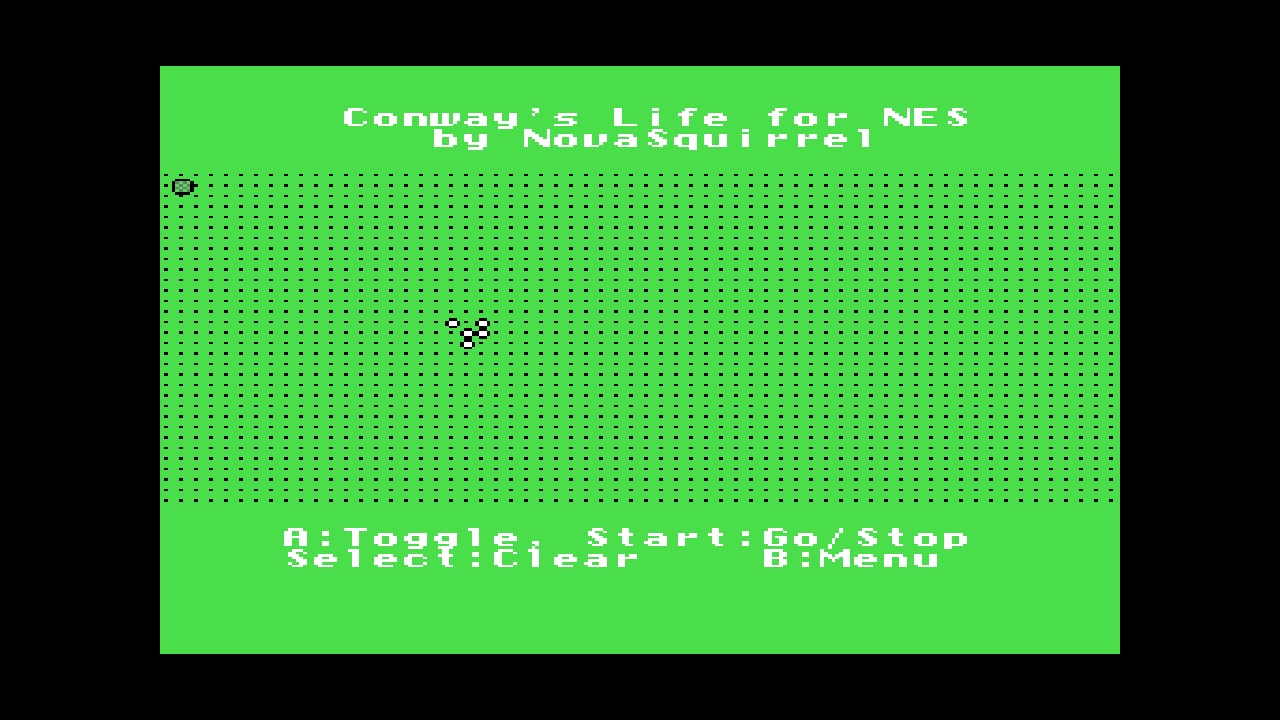
The grid appears with a glider already on it. The cursor sits at the top left.
Place cells
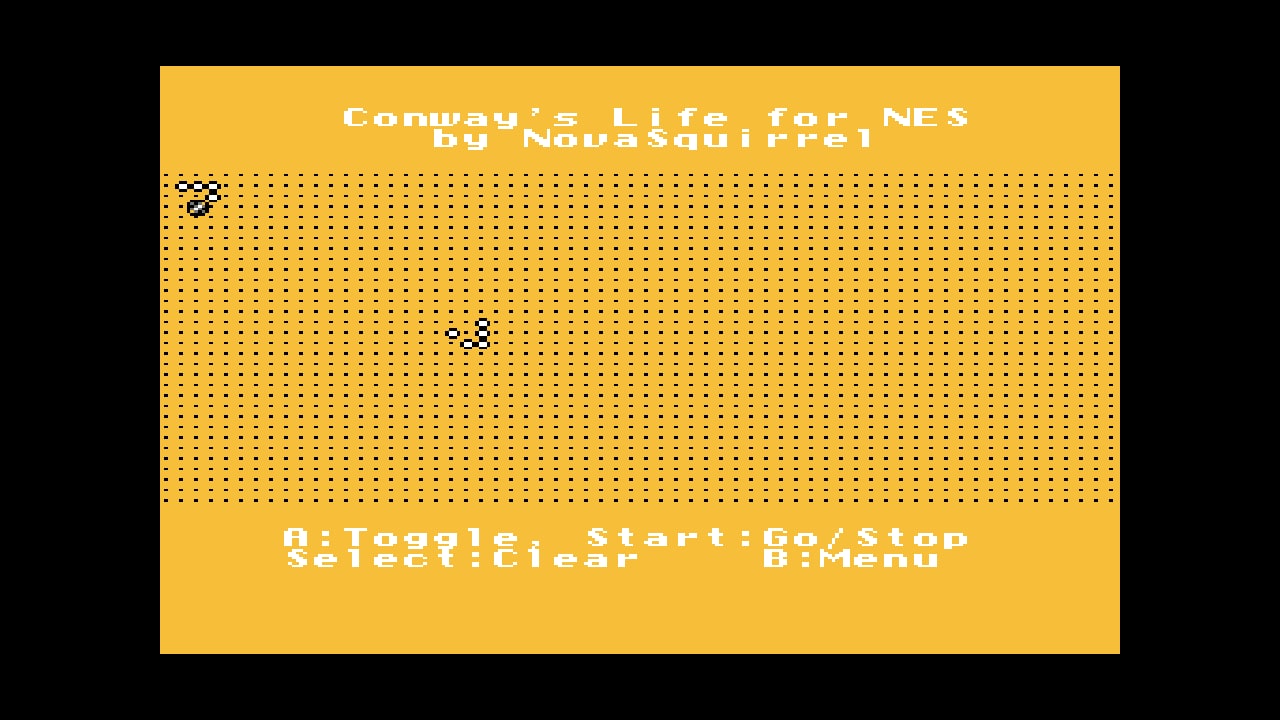
Move with the D-pad and press A to toggle a cell. Select clears the whole grid.
Run it
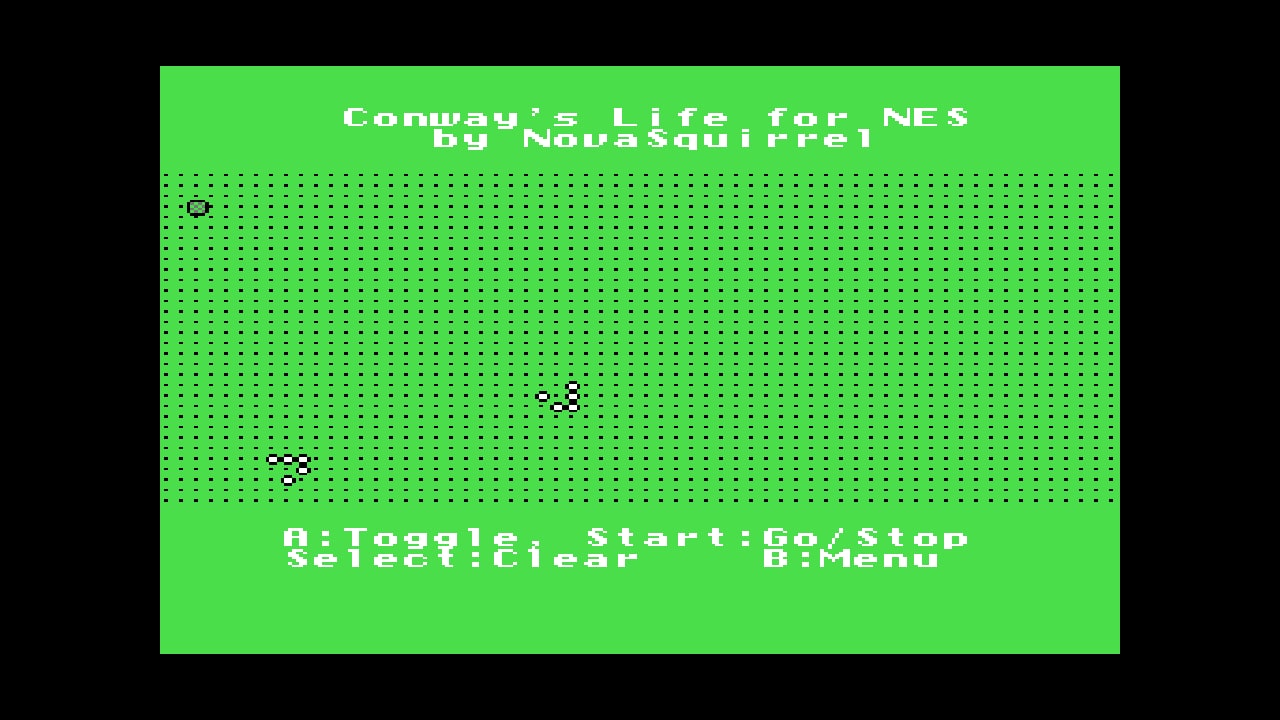
Press Start. Cells with two or three neighbours survive, and an empty cell with three neighbours is born. Press Start again to stop.
License
zlib. Source: https://github.com/NovaSquirrel/NESLife. Commercial ROMs are not hosted.
FAQ
Is Conway's Life for NES free here?
Yes. NovaSquirrel released it under the zlib license, and this page hosts that ROM.
Is it a game?
It is a zero-player toy. You set the starting cells and the rules do the rest.
What should I draw first?
Try three cells in a row. They flip between a horizontal and a vertical line forever.
Can I play it on a phone?
Yes. The on-screen pad maps to the D-pad, A, B, Start and Select.
Who made it?
NovaSquirrel, 2013. Source: https://github.com/NovaSquirrel/NESLife
Emulator cores live on S3. A game starts from a hosted ROM when that file exists, or from a local file you pick. Local files are not uploaded.