Flash · Puzzle
Ending
No SWF
Upload one manually. The file stays in this tab and is not sent to a server.
Ruffle (open source, GitHub) · A tap acts as a click. Games that need a keyboard are easier on a computer.
Controls
A tap acts as a click. Games that need a keyboard are easier on a computer.
Ending is Aaron Steed's 2013 puzzle game. Each step you take, the blocks around you take one too. Break white blocks by walking into them and reach the exit.
Walkthrough
Ending opens on three icons. Press play, pick a level, then move with the arrow keys. Every move you make, the board answers.
Press play
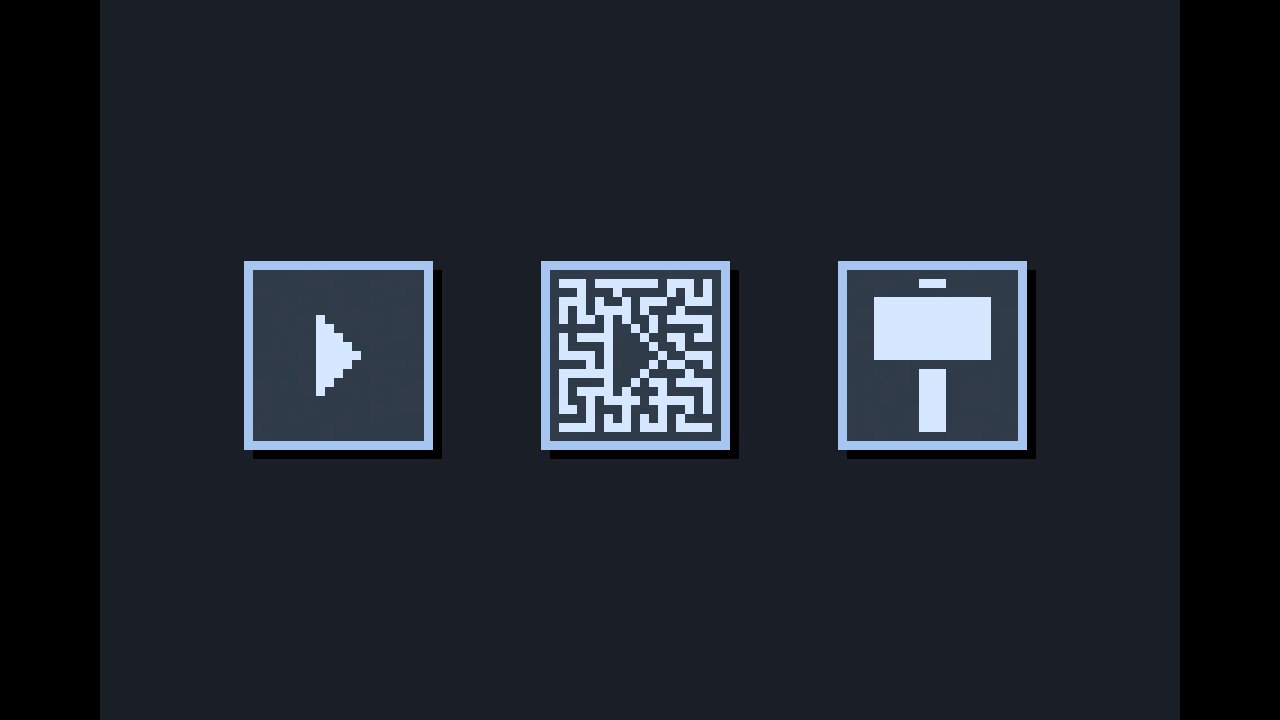
The play triangle opens the levels. The maze icon and the hammer icon are the other modes.
Pick a level
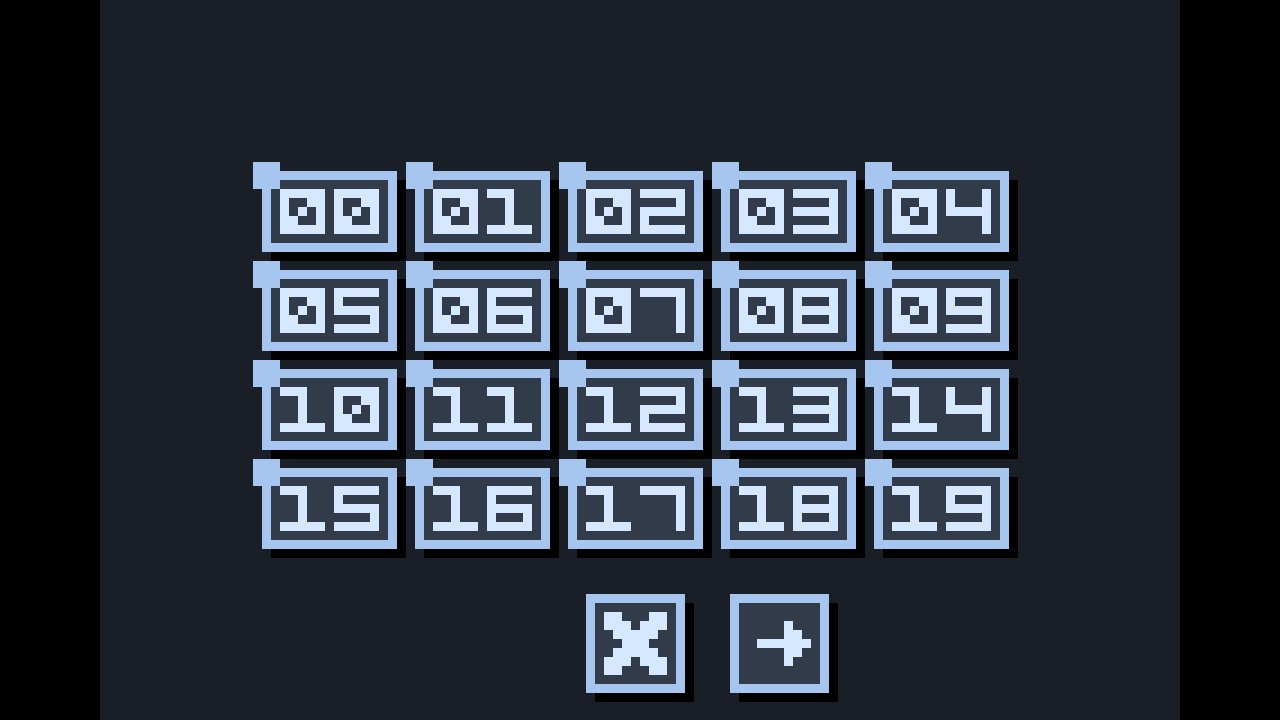
Levels 00 to 19 sit in a grid. Start at 00 and work up.
Read the room
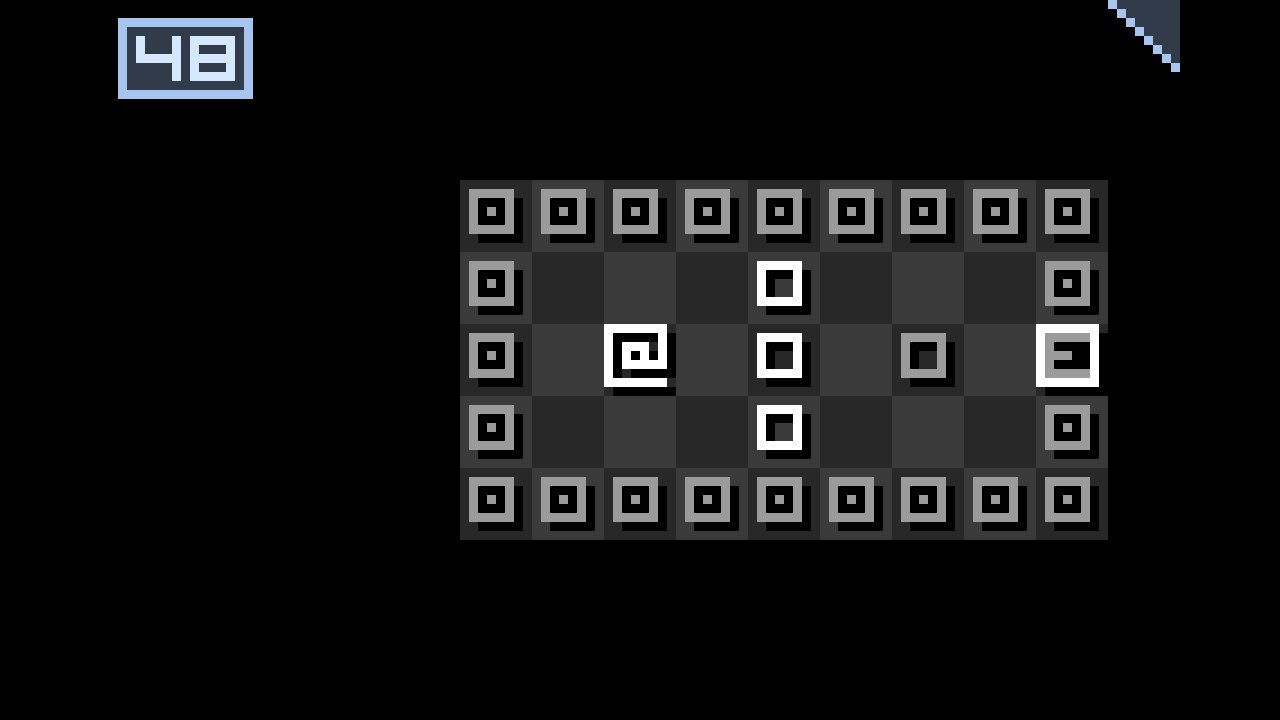
The spiral is you. White squares are blocks you can break, grey squares are in the way, and the exit sits on the edge of the wall.
Break a block
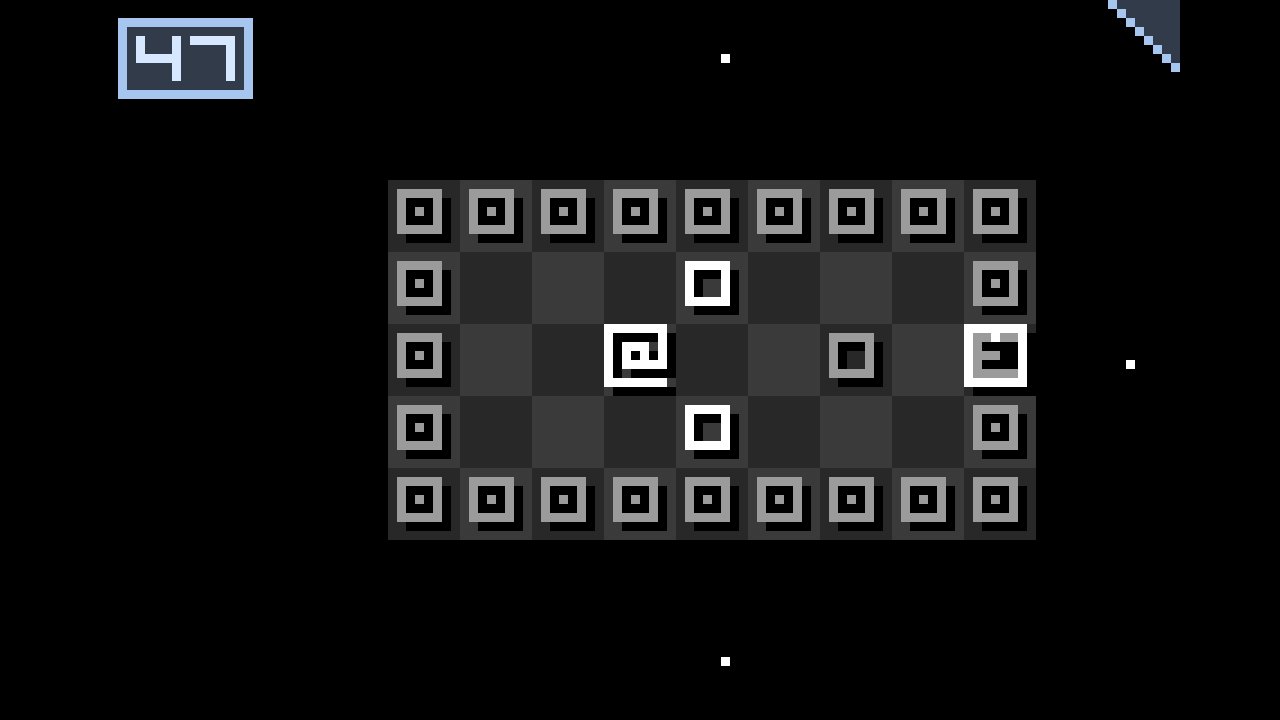
Walk into a white block to break it. The other blocks move after you, so look one step ahead.
Reach the exit
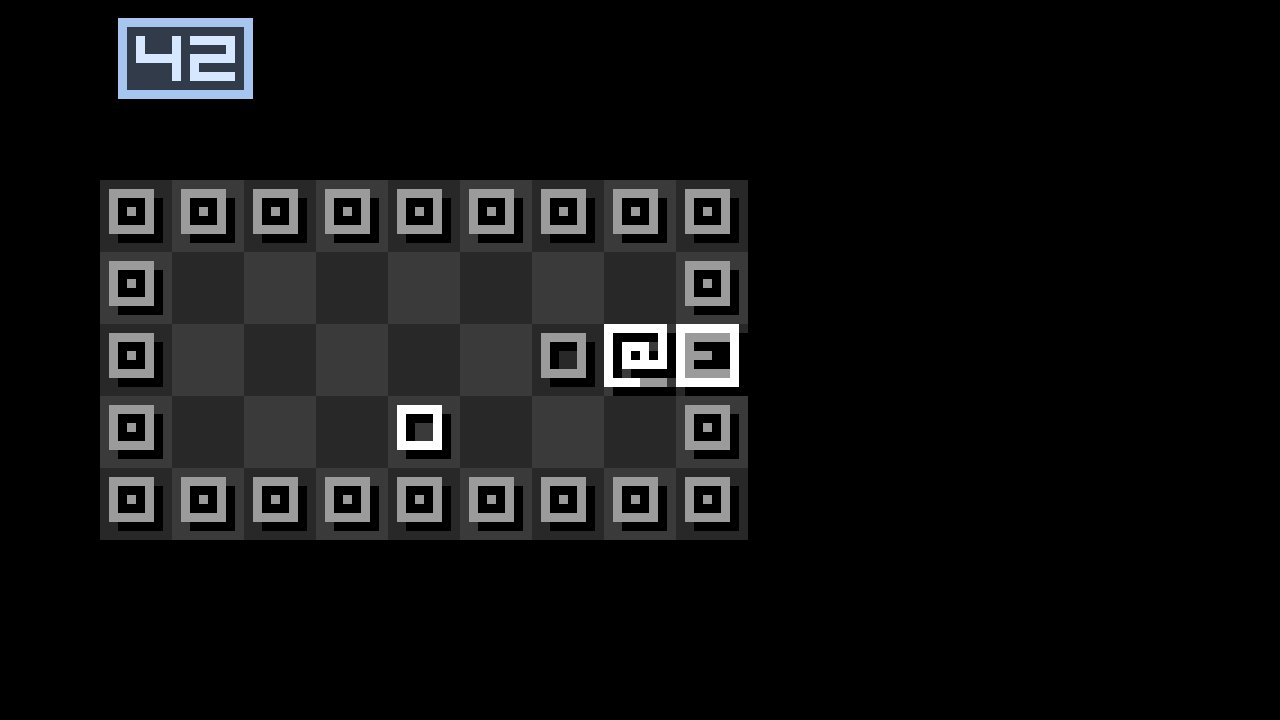
Go around the grey squares and step onto the exit.
Next level
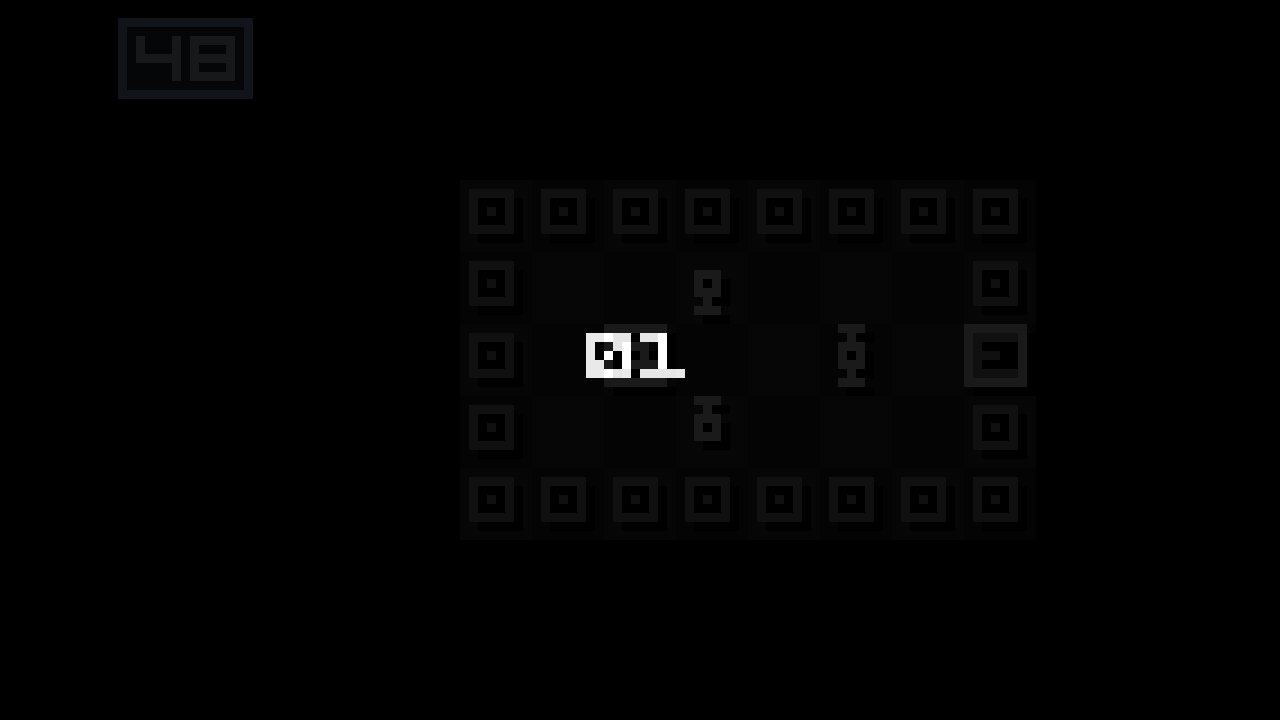
The room fades and the next level number appears.
License
GPL-2.0. Aaron Steed, 2013. Source: https://github.com/st33d/Ending
FAQ
What is Ending?
A short turn-based puzzle: reach the exit while the blocks around you move each turn.
Which keys?
Arrow keys, after you click the play button and a level.
Does it work on a phone?
The menus open with a tap. Moving needs arrow keys, so a keyboard is easier.
Is Ending free to play here?
Yes. Aaron Steed released Ending under GPL-2.0, and this page hosts that SWF.
Who made it?
Aaron Steed (st33d) in 2013. GPL-2.0, https://github.com/st33d/Ending
Emulator cores live on S3. A game starts from a hosted ROM when that file exists, or from a local file you pick. Local files are not uploaded.