Developer tools
How to test every key on your keyboard online
A key feels dead, repeats or you just bought a keyboard and want to check it. You will press every key on a full keyboard map, read what the browser receives and test how many keys register together. Nothing leaves this tab.
Open the keyboard tester and click the keyboard picture before pressing keys. Click elsewhere to stop. Nothing is recorded or uploaded.
Open Keyboard testerContents
Know what the browser can see
Each key press sends key (the character, like a), code (the physical key, like KeyA) and the older keyCode (65). Fn and some media or system keys never reach the browser, so they cannot be tested here.
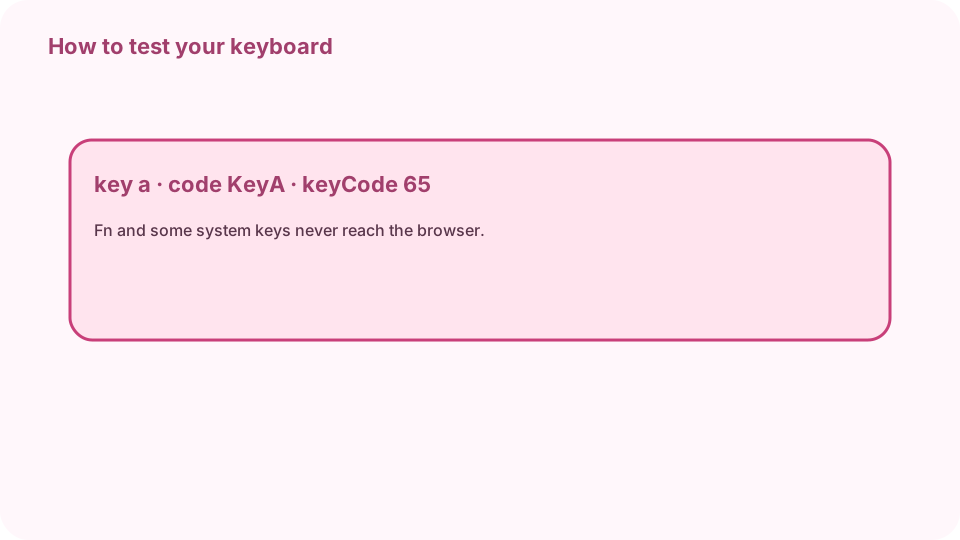
key = character, code = physical key, keyCode = legacy number. Open Keyboard tester on cv.cm
A full keyboard map appears with function keys, navigation keys and the number pad. Nothing is recorded.
Open Keyboard testerClick the map and press every key
Each working key turns pink; the key you hold turns dark. Go row by row so you do not miss any. Tab moves on after you have tested it once.
Read Last key
Last key shows key, code, keyCode, location (left, right or numpad) and modifiers. Left and right Shift have different codes, so you can tell them apart.
Test rollover
Hold several keys together, for example W, A, S and Shift. The counter shows the most held at once. If a key does not light up while others are down, the keyboard has a rollover limit.
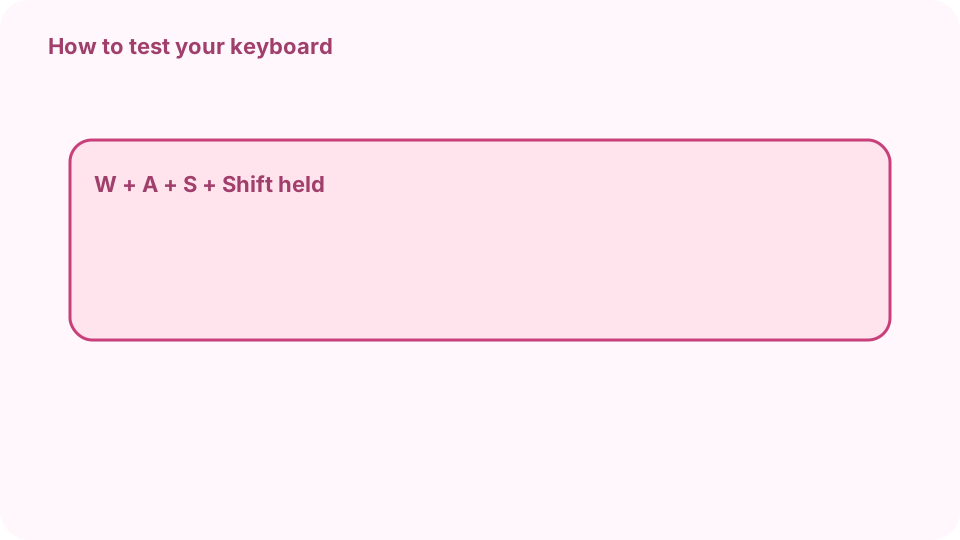
Hold W + A + S + Shift: most at once shows the rollover. Find dead or stuck keys
Keys still white after a full pass did not register: try them in a text field too. A key that stays dark is stuck. Reset clears the map for another pass.
FAQ
Is there a free online keyboard tester?
Yes. cv.cm shows a full keyboard map in your browser. Nothing is recorded.
Why does a key not light up?
It may be broken, or it may be Fn or a system key that never reaches the browser.
What is key rollover?
How many keys the keyboard reports at once. Hold several keys and read the most held at once.
What is the difference between key and code?
key is the character produced and depends on the layout; code is the physical key position.
Does it work on laptops?
Yes. Ignore the number pad if your laptop has none.