Audio
How to practise with an online metronome
You want steady timing on an instrument, in a dance routine or while drumming. You will set a tempo, match the bar to your music and raise the speed step by step. The clicks are made in your browser; nothing is uploaded.
Open the metronome and use headphones if the room is loud. Phones on silent may mute the clicks. Nothing is uploaded.
Open MetronomeContents
Know BPM and beats per bar
BPM is beats per minute: 60 BPM is one beat per second, 120 BPM two. Beats per bar is the top number of the time signature: 4 for most pop (4/4), 3 for a waltz (3/4), 6 for many jigs (6/8).
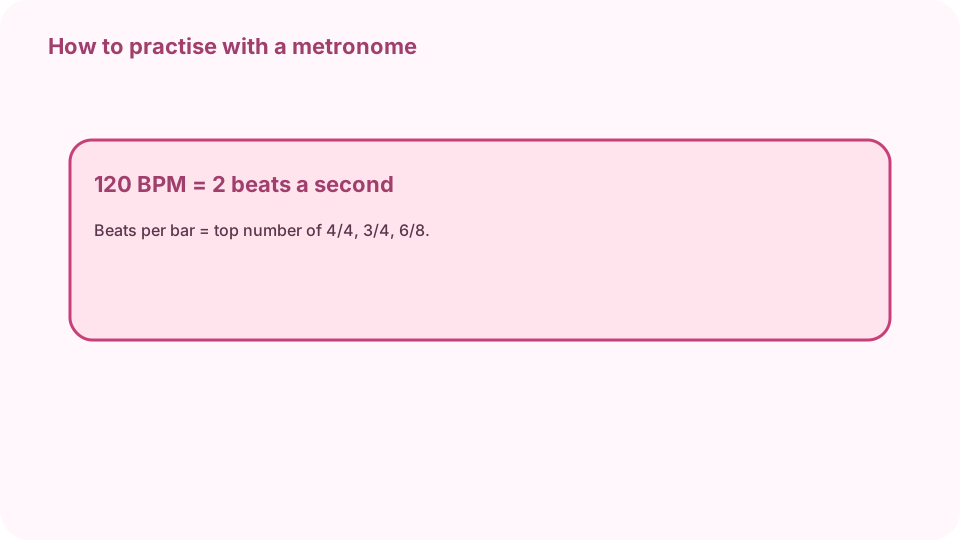
BPM = beats per minute; beats per bar = top number of the time signature. Open Metronome on cv.cm
It starts at 120 BPM in 4 beats per bar. Press Start to hear it; the dots follow each beat and the first beat sounds higher.
Open MetronomeSet the tempo
Type a BPM, drag the slider or use −5, −1, +1 and +5. To match a song, press Tap on four or more beats; the BPM follows your taps. The tempo name (Andante, Allegro…) is shown under the number.
Set the bar and subdivision
Pick Beats per bar, and under Clicks per beat choose eighth notes, triplets or sixteenth notes to hear the beat split. Untick “Accent the first beat” for an even click.
Practise slow, then speed up
Start where you can play a passage cleanly three times in a row, for example 80 BPM. Then add 5 BPM and repeat. When it breaks down, drop back 10 BPM.
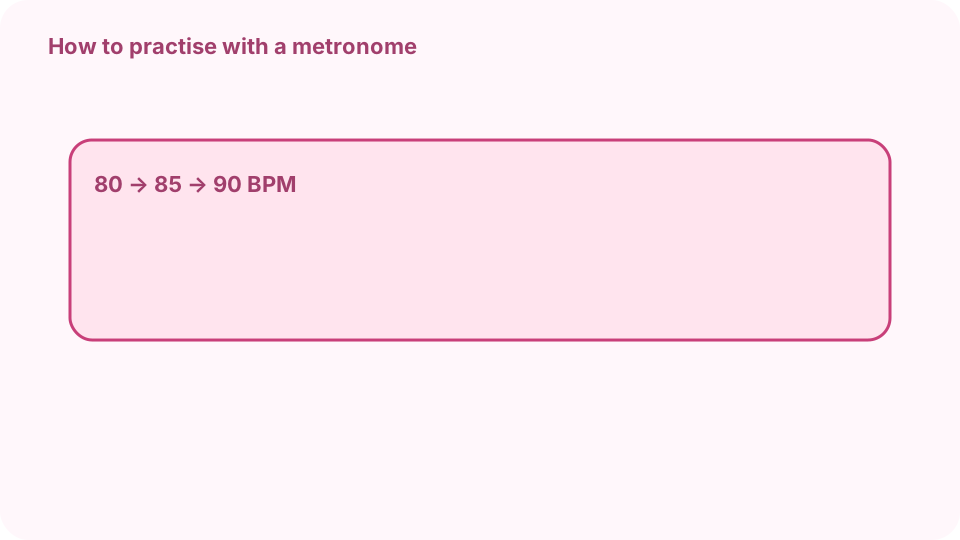
80 → 85 → 90 BPM: speed up by 5 after three clean runs. Stop and note your tempo
Press Stop and write down the last clean BPM, so the next session starts there.
FAQ
Is there a free online metronome?
Yes. cv.cm's metronome runs in your browser from 20 to 300 BPM. Nothing is uploaded.
How do I find the BPM of a song?
Press Tap on the beat four or more times; the BPM follows the average of your taps.
What BPM should I start at?
The fastest tempo at which you can play the passage cleanly three times in a row.
How do I set 3/4 or 6/8?
Pick 3 or 6 under Beats per bar; the first beat is accented.
Why is there no sound?
Check the volume slider, the device volume and the silent switch. Some browsers pause audio in background tabs.