Photos
How to make a photo collage
A collage is a layout first, then photos. You will pick a grid and a size, drop pictures in order, and check that faces were not cropped by Cover.
Open collage when the photos are on disk. Contain keeps the whole photo (bars). Cover fills the cell and may crop. Nothing is uploaded.
Open Photo collageContents
Pick the grid and the size first
2×2 or 3×3 for a set. Square for a feed, 4:5 portrait, 9:16 stories, 16:9 cover. Changing size later re-crops every cell.
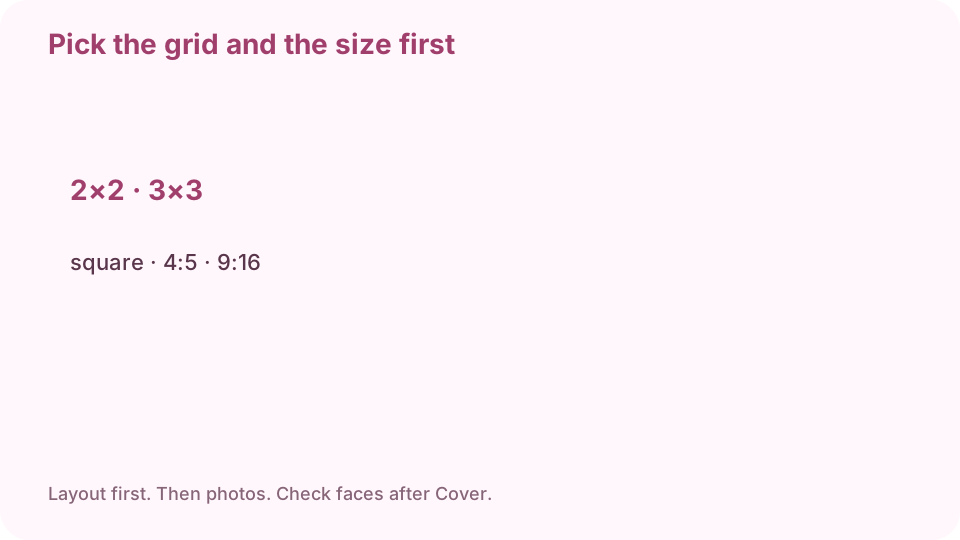
Layout first: 2×2, 3×3, square, 4:5, 9:16. Open collage on cv.cm
Work stays in this tab. Nothing is uploaded.
Open Photo collageDrop photos in the order they should appear
First file is the first cell. Reorder before you export if the grid looks wrong.
Choose Contain or Cover
Contain keeps the whole photo and may add bars. Cover fills the cell and can cut a forehead or a chin. For faces, start with Contain.
Contain keeps the whole photo. Cover fills and may crop faces. Download PNG or JPEG
PNG for sharp edges. JPEG for a smaller feed upload.
Open at 100% and walk the cells
If a face is cut, switch that cell to Contain or pick a different photo. If the order is wrong, reorder and export again. Keep the originals.
FAQ
Can I make a photo collage free online?
Yes. cv.cm runs in this tab. Nothing is uploaded.
How do I make a 2×2 Instagram collage?
Pick 2×2 and square (or 4:5). Drop four photos, check Contain vs Cover, download.
Why did a face get cropped?
Cover fills the cell. Switch to Contain, or pick a photo with more room around the head.
Are photos uploaded?
No. Closing the tab discards them.
Can I collage without Canva or Photoshop?
Yes. This page is the collage. No account.