PDF and photos
How to merge PDF files
You will combine several PDFs into one file in this tab. The list order is the page order. Then you open the download and count.
Open the merge tool when the files are on disk. Password-locked PDFs often cannot join until you unlock them. Nothing is uploaded.
Open Merge PDFContents
Collect the files and check they open
Open each source once. Note page counts. If a file asks for a password, unlock it first. Merge cannot invent pages from a locked file.
Open the merge tool
Open merge PDF on cv.cm. This tab does the work. Closing it discards the list.
Open Merge PDFDrop in order, then reorder if needed
The first row becomes page 1. Drag to reorder. Empty pages in a source stay empty. If cover should be first, put Cover.pdf on top.
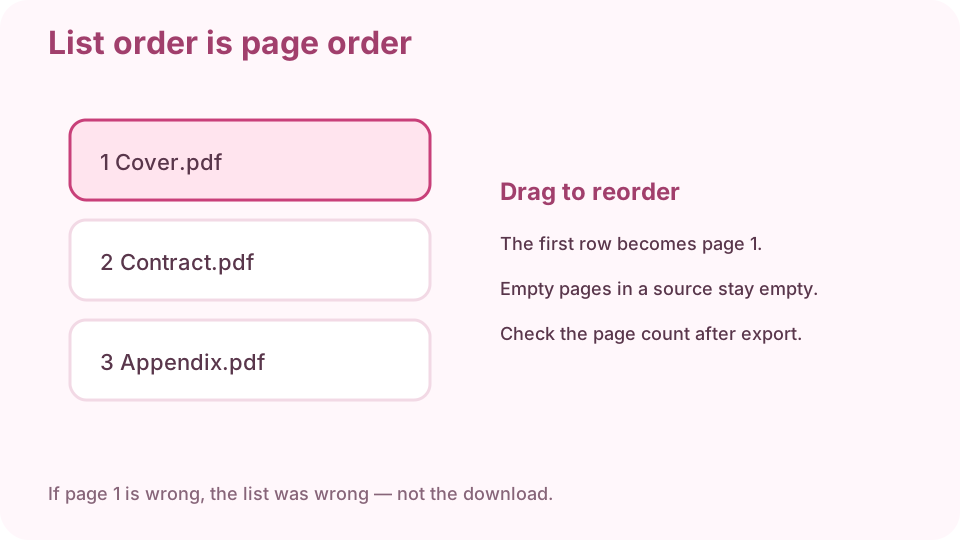
The first row in the list becomes page 1. Check the running page count
Add the page counts you noted. If the tool shows fewer files than you dropped, one was rejected (often encryption).
Download the merged PDF
Download one file. Keep the sources until you have verified the merge.
Reopen and count the pages
3 + 2 + 4 should be 9. Skim the first page of each original block. If page 1 is wrong, the list was wrong — not the download.
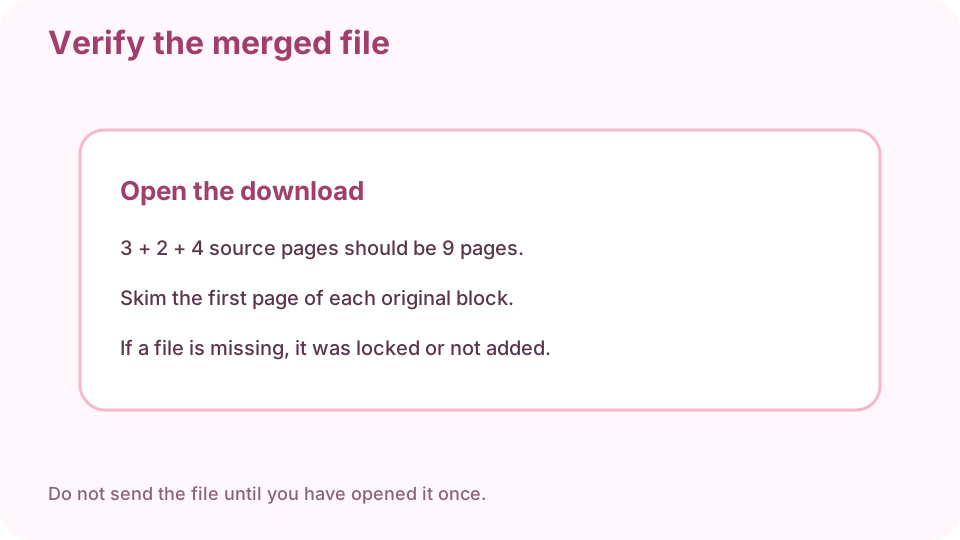
Open the download and count. Do not send until you have opened it once.
FAQ
Can I merge PDF files free online?
Yes. cv.cm merges in this tab. Nothing is uploaded.
How do I combine PDF files in order?
Drop them in order, or drag rows. The first row is page 1.
Why is a file missing after merge?
It was probably password-locked or damaged. Unlock it and add it again.
Do I need Adobe Acrobat?
No. This page merges in the browser.
Are files uploaded?
No. Closing the tab discards the list.