PDF and photos
How to convert PDF to JPG
You need images, not a PDF: a form, a slide, a chat that rejects PDF. Each page becomes a file. Check one at 100% before you send the ZIP.
Open PDF-to-JPG on cv.cm when the PDF is on disk. Nothing is uploaded. Encrypted PDFs often cannot render until unlocked.
Open PDF to JPGContents
Confirm you need images, not a PDF
Chat apps, some forms, and slide tools want a picture. If they accept PDF, send the PDF — converting throws pixels into a bitmap.
Open PDF to JPG and drop the file
Work stays in this tab. If nothing appears, the PDF may be locked.
Open PDF to JPGChoose JPG, PNG, or WebP
JPG for photos and chat. PNG if digits in a table must stay crisp. WebP is smaller but some forms reject it.
Set 1× or 2× scale
1× for chat. 2× if you will zoom or reprint. Higher scale means a heavier ZIP.
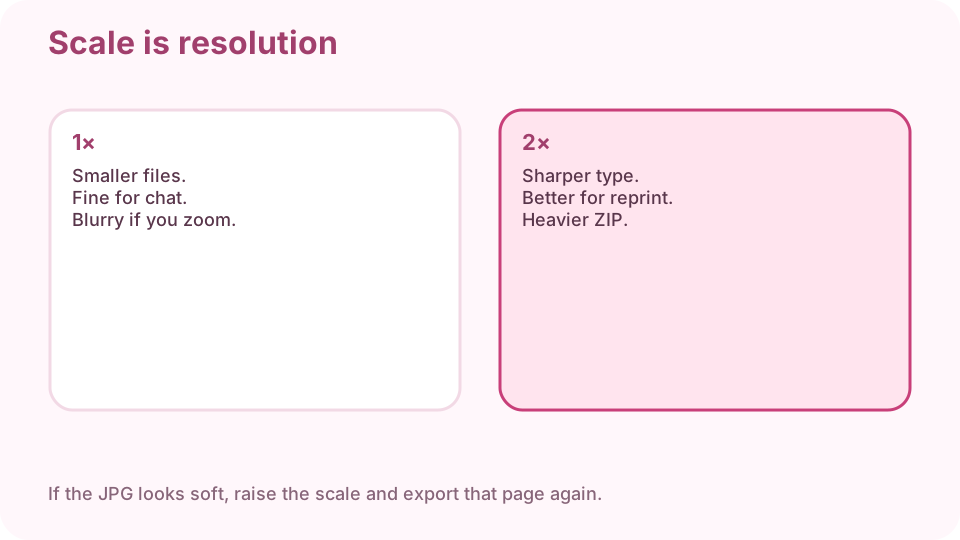
1× for chat. 2× if you will zoom or reprint. Download a page or a ZIP
Many pages: ZIP is easier than saving one by one.
Open one file at 100% and read a line
If type smears, raise scale and use PNG. A thumbnail can look fine while the full page does not.
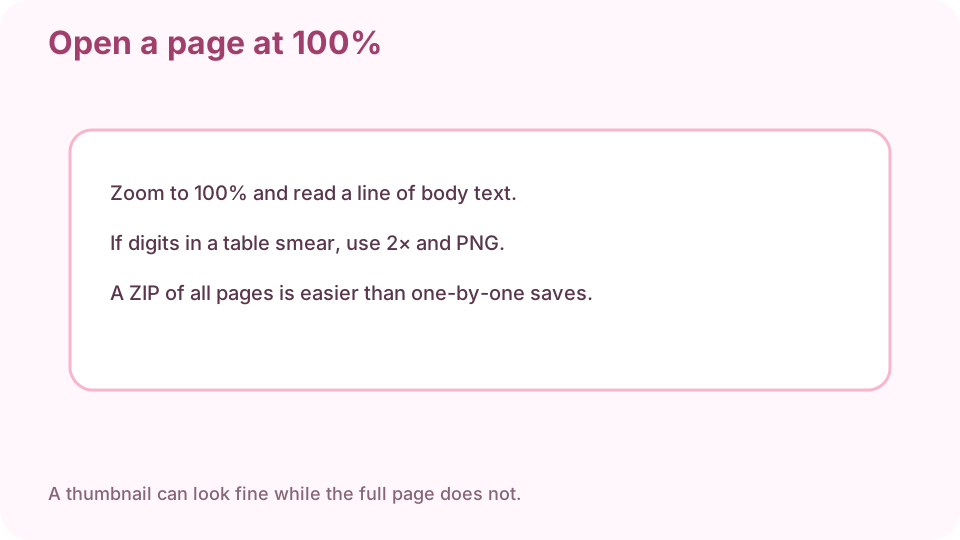
Open a page at 100% before you send the ZIP.
FAQ
How do I convert PDF to JPG free online?
Drop the PDF on cv.cm in this tab. Download a page or a ZIP. Nothing is uploaded.
JPG or PNG?
JPG for photos. PNG if a table of digits must stay crisp.
Why are the images blurry?
Raise the scale to 2×. Check at 100%, not the thumbnail.
Can I convert all pages at once?
Yes. Download a ZIP of every page.
Are PDFs uploaded?
No. Closing the tab discards the render.