Photos
How to resize or compress an image
Smaller pixels and a smaller file are different jobs. You will set a real size, pick JPEG quality if needed, then compare the download to the original.
Open resize when the photo is on disk. Do not upscale a small photo and expect more detail. Nothing is uploaded.
Open Resize imageContents
Write down the real limit
A form may want 1920 on the long edge. Email may want under 2 MB. An avatar may want 400×400. Pixels and kilobytes are not the same knob.
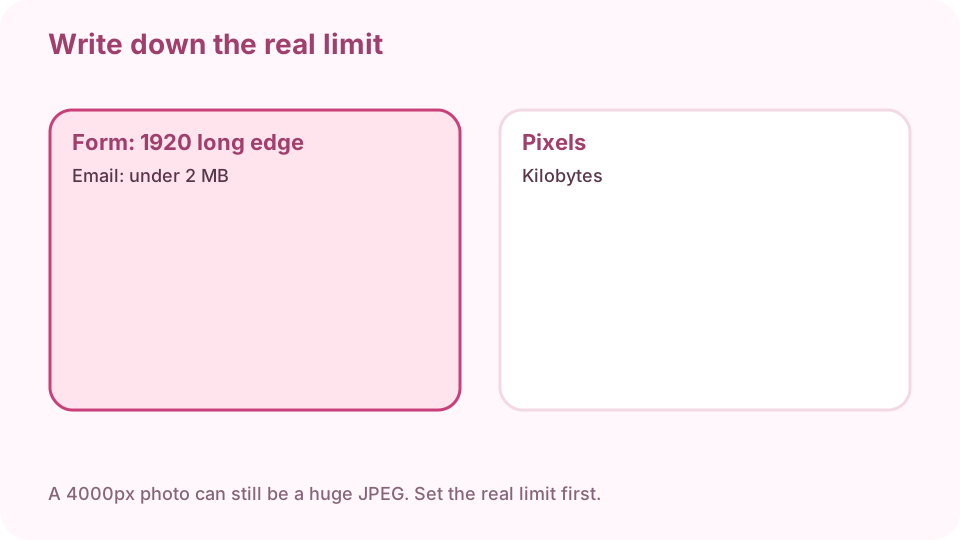
Pixels vs kilobytes. A 4000px photo can still be a huge JPEG. Open resize & compress on cv.cm
Work stays in this tab. Closing it discards the photo.
Open Resize imageDrop the photo
If the preview is blank, convert HEIC to JPG first, then come back.
Set width and height with the lock on
Or cap the long edge. Unlock only if you mean to stretch. Upscaling will not invent detail.
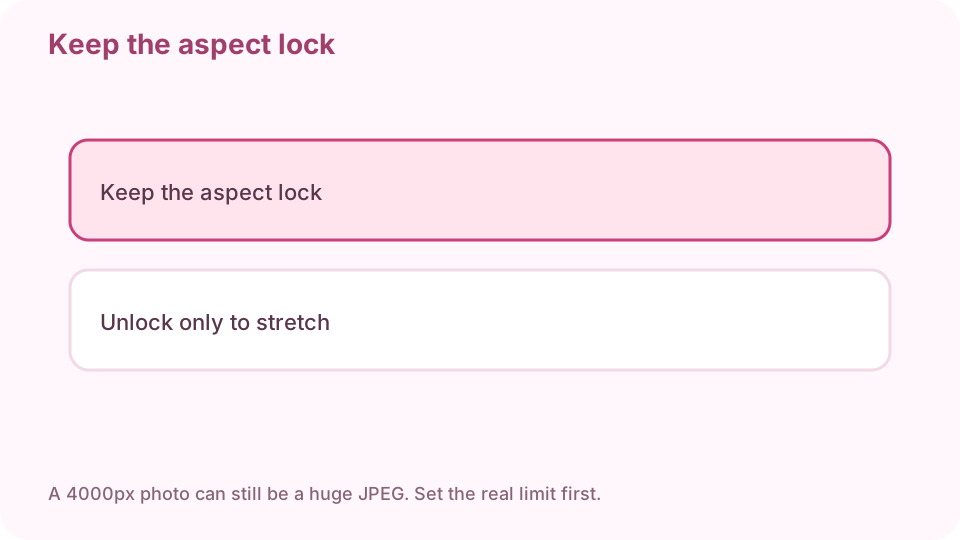
Keep the aspect lock. Then pick the largest file that still fits. If you need a smaller file, export JPEG and lower quality until it fits
Watch the size estimate. PNG will not shrink much. Pick the largest file that still fits.
Download and compare at 100%
If type smears, go back one quality step. A thumbnail can look fine while the full image does not.
FAQ
How do I resize an image without Photoshop?
Drop the photo on cv.cm resize in this tab. Set pixels, download. Nothing is uploaded.
How do I compress a JPG for email?
Export JPEG and lower quality until it is under the cap. Then open a real pixel at 100%.
Should I unlock the aspect ratio?
No, unless you mean to stretch. Stretching looks wrong on faces and logos.
Are photos uploaded?
No. Closing the tab discards them.
Can I resize several photos at once?
This lesson covers one photo. Convert or watermark can batch; come back per file if you need exact pixels.