Photos
How to rotate or flip a photo
Rotate turns the photo. Flip is a mirror. You will pick one, export a copy, and open that file so Windows or a form sees the pixels, not leftover EXIF.
Open rotate when the photo is on disk. 90° chips for phone shots; flip for a mirror selfie. Export writes pixels, so a sideways EXIF photo can become actually upright. Nothing is uploaded.
Open Rotate imageContents
Decide 90° / 180° versus a mirror flip
A sideways phone photo needs 90° left or right. Upside down needs 180°. Text that reads backward needs a horizontal flip, not a rotation.
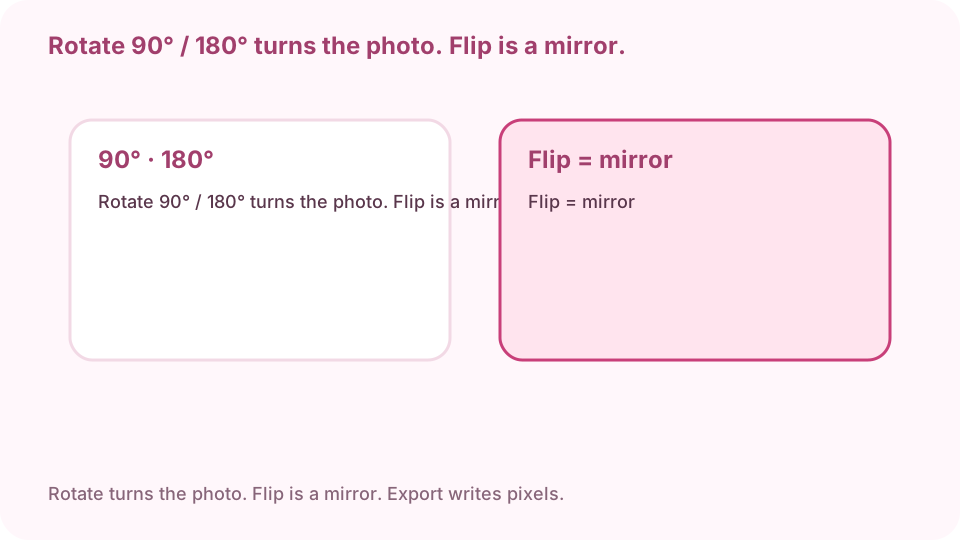
Rotate 90° / 180° turns the photo. Flip is a mirror. Open rotate on cv.cm
Work stays in this tab. Closing it discards the photo.
Open Rotate imageDrop the photo
If the preview is blank, convert HEIC or AVIF to JPG first, then come back. The preview already applies EXIF orientation.
Use the 90° chips, or flip
Phone shots: 90° left, 90° right, or 180°. The angle slider is for a small tilt. Flip horizontal for a mirror selfie. Flip vertical only if the photo is truly upside-down in a mirror sense.
Download PNG or JPG
PNG if you need sharp type or a clear background. JPG for a smaller send. Keep the original until you have opened the download.
Open the downloaded file
Do not trust the in-page preview alone. If Explorer still shows it sideways, you sent the original. If letters are backward, you flipped when you needed 90°.
Export writes pixels. Open the file so EXIF-only sideways photos become actually upright.
FAQ
Can I rotate a photo free online?
Yes. cv.cm rotates in this tab. Nothing is uploaded.
What is the difference between rotate and flip?
Rotate turns the whole photo. Flip mirrors it. Use 90° for a sideways phone shot; use flip if letters read backward.
Why does Windows still show my iPhone photo sideways?
The original may only store rotation in EXIF. Export from this tab writes the pixels upright. Open the download, not the original.
Are photos uploaded?
No. Closing the tab discards them.
Can I rotate without Photoshop?
Yes. This page is the rotator. No account.