Developer tools
How to test your click speed (CPS)
You want to know how fast you click, for a game or just for fun. You will run a timed CPS test, read the score and try a faster clicking technique. Clicks are counted in your browser; nothing is uploaded.
Use the mouse you play with. Take short breaks: fast clicking for long stretches strains the hand and wrist.
Open CPS testContents
Know what CPS means
CPS is clicks per second: total clicks divided by the seconds of the test. 35 clicks in 5 seconds is 7 CPS. Most people click 5–8 CPS with one finger.
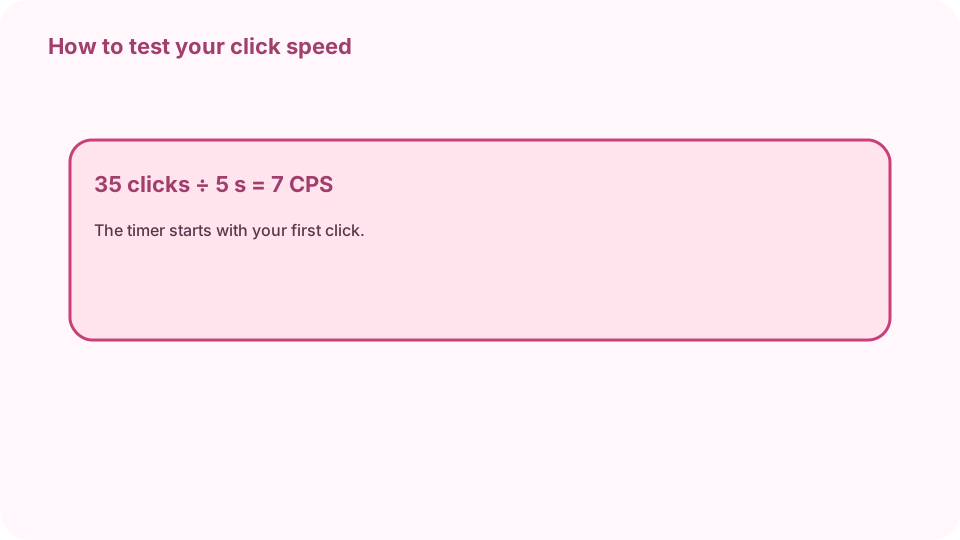
CPS = clicks ÷ seconds: 35 clicks in 5 s = 7 CPS. Open CPS test on cv.cm
The big pad below the options says “Click here to start”. Length is set to 5 seconds, the usual test.
Open CPS testPick a length
Choose 1 second for a short burst or 30–60 seconds to test how long you keep the pace. Your best score is kept per length.
Click as fast as you can
The timer starts with your first click. Time left, Clicks and Clicks per second update live. Clicks after time runs out do not count.
Read your score
You get your CPS and total clicks with a speed band: under 5 relaxed, 5–8 typical, 8–11 fast, 11+ very fast. Copy result puts it on the clipboard.
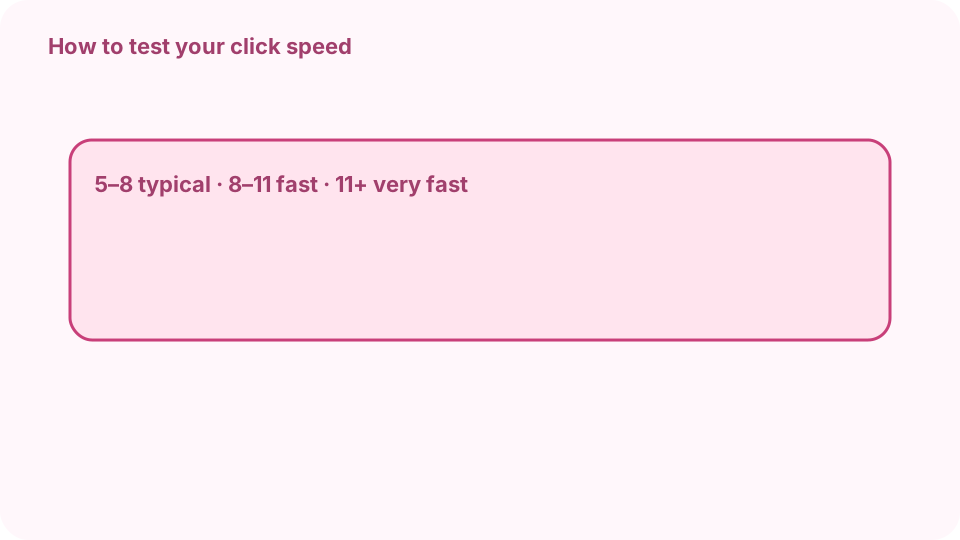
5–8 typical · 8–11 fast · 11+ jitter or butterfly. Try to click faster
Jitter clicking tenses the forearm so the finger vibrates; butterfly clicking alternates two fingers on one button. Both can reach 10–15 CPS. Rest if your hand hurts.
FAQ
What is a good CPS score?
5–8 CPS is typical with one finger, 8–11 is fast, and above 11 usually takes jitter or butterfly clicking.
How long is a CPS test?
Usually 5 seconds. cv.cm also offers 1, 10, 30 and 60 seconds.
Does a gaming mouse help?
A light mouse with a short, crisp switch helps a little; technique matters more.
Is jitter clicking bad for you?
Long sessions can strain the wrist and forearm. Keep tries short and stop if it hurts.
Does cv.cm upload my clicks?
No. Clicks are counted in the tab, and the best score is forgotten when you close it.