Developer tools
How to test your reaction time
You want to measure how quickly you respond to something you see — for gaming, sport or curiosity. You will run five tries, avoid false starts and read a fair average. Timing happens in your browser; nothing is uploaded.
Close heavy apps and tabs, sit as you normally would and use the same device each time you compare results.
Open Reaction time testContents
Know what you measure
Reaction time is the delay between a signal and your response. For a visual signal and a click, most people score about 200–300 ms; under 200 ms is fast.
Open Reaction time test on cv.cm
The big pad says “Click to start”. Mouse, touch, Space or Enter all work.
Open Reaction time testWait for green
After you click, the pad turns red and shows “Wait for green…”. The wait is random, 1.5 to 4.5 seconds, so you cannot guess it.
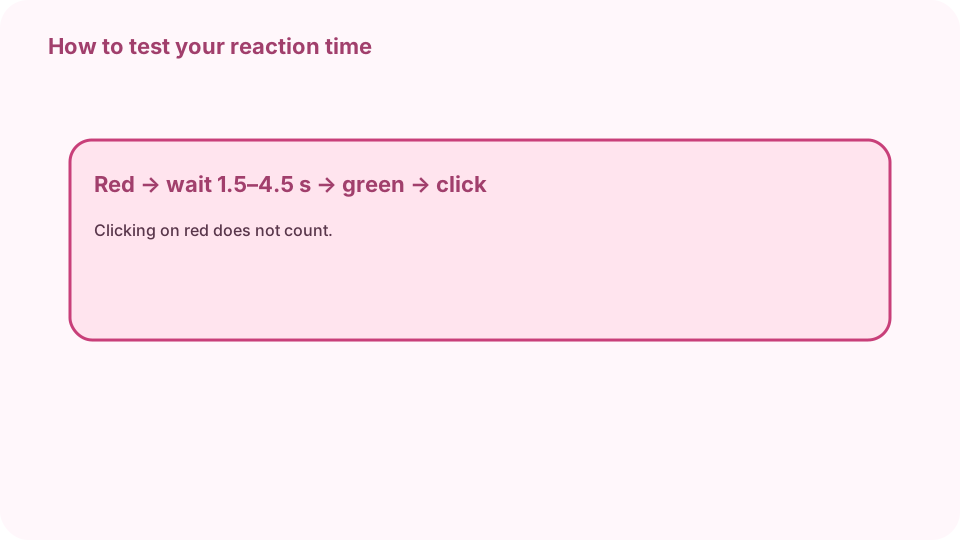
Red → random 1.5–4.5 s → green → click = your time. Click on green
When the pad turns green and says “Click!”, click at once. Your time appears in ms. If you click while it is red you see “Too soon” and the try does not count.
Finish five tries
Click again for each try. After five, Results shows the average, median, best and worst. The median ignores one unusually slow or fast try.
Compare fairly
Screens, mice and browsers add a few to tens of ms, so compare on the same device. Rest, warm up with a few tries, and take the median of several rounds.
Typical 200–300 ms · under 200 ms fast.
FAQ
What is a good reaction time?
Around 200–300 ms is typical for a visual signal; under 200 ms is fast.
Why is my score slower on my phone?
Touch screens and some displays add latency. Compare results on the same device.
Can I improve my reaction time?
Sleep, warm-up and practice help a little; most of the gain is consistency, not raw speed.
What does Too soon mean?
You clicked while the pad was red. That try does not count; click to retry it.
Is anything uploaded?
No. The times are measured and kept in the tab.