Math and school
How to use an online tally counter
You need to count something as it happens — visitors at a door, laps, rows of knitting or votes. You will count with buttons or keys, add a counter for each thing and copy the totals. Counts are kept in your browser; nothing is uploaded.
On a phone, keep the screen on while counting. Private windows may forget the counts when closed.
Open Tally counterContents
Plan what to count
Decide how many things you count at once — for example adults and children, or votes for each option. You will need one counter for each.
Open Tally counter on cv.cm
One counter, “Counter 1”, starts at 0. Click its name to rename it.
Open Tally counterCount
Press + to add and − to subtract. On a keyboard, Space, ↑ or + adds and ↓ or − subtracts on the highlighted counter.
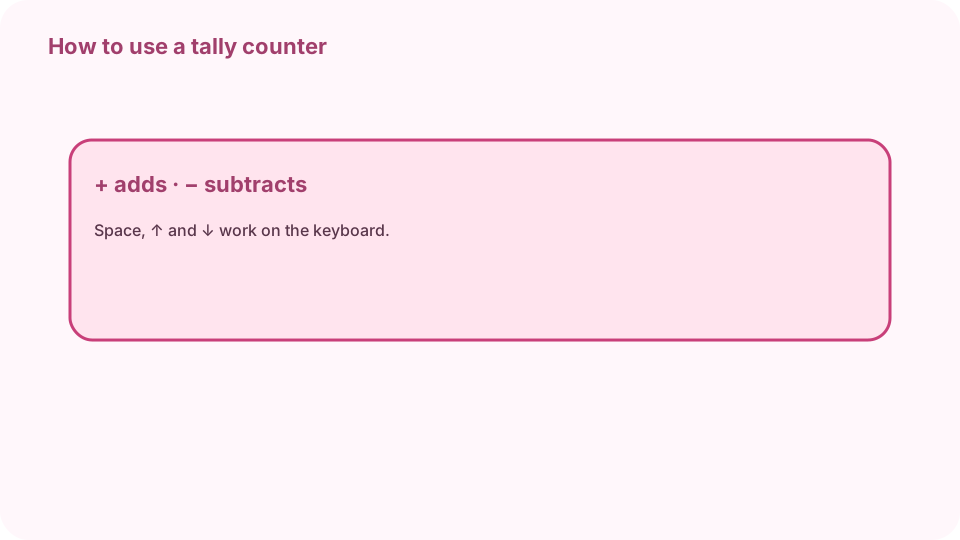
+ adds · − subtracts · Space ↑ ↓ on the keyboard. Add more counters
Press Add counter for each extra thing (up to 12). Click a counter to highlight it for the keyboard. The total of all counters appears underneath.
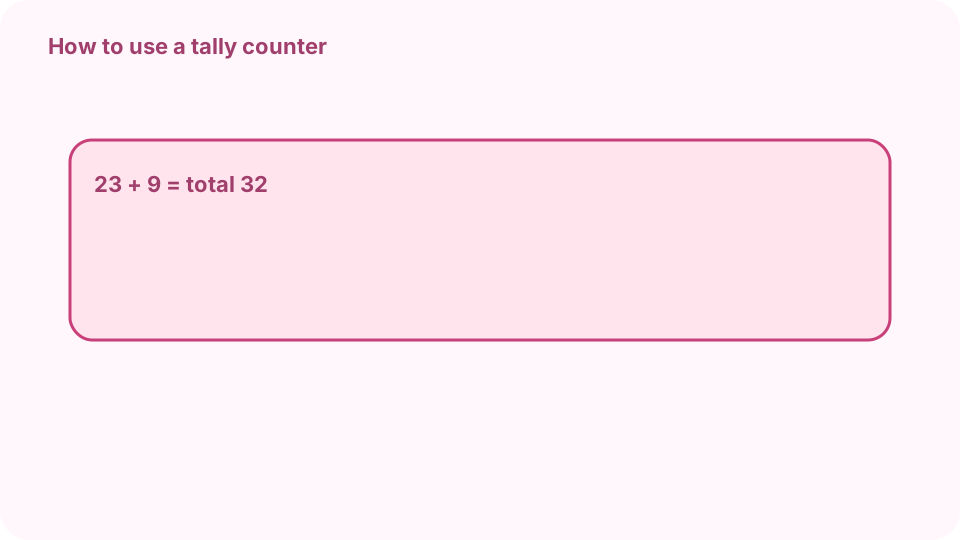
Adults 23 + Children 9 = total 32. Set the step
To count in twos or tens, set Step. Tick “Allow negative numbers” only if a count may go below zero, such as a score.
Copy and reset
Copy counts puts each name and count on the clipboard. Reset clears one counter; Reset all clears them all.
FAQ
Is there a free online tally counter?
Yes. cv.cm's tally counter runs in your browser with no sign-up.
Can I count with the keyboard?
Yes: Space, ↑ or + adds and ↓ or − subtracts on the highlighted counter.
Are my counts saved?
Yes, in this browser's local storage. Private windows may forget them.
How many counters can I have?
Up to 12, each with its own name, plus a total.
Can I count by 5 or 10?
Yes. Set Step to the amount each press should add.