PDF and photos
How to compress a PDF / reduce PDF size
A smaller file that nobody can read is not a success. You will check the limit, compress in this tab, then open a real page.
Open the compress tool when you know the cap (email 10–25 MB, some forms 2 MB). This page re-encodes pages as JPEG in the tab.
Open Compress PDFContents
Write down the real limit
Email is often 10–25 MB. A government form may want 2 MB. Look at the field, not a guess. Note the current file size too.
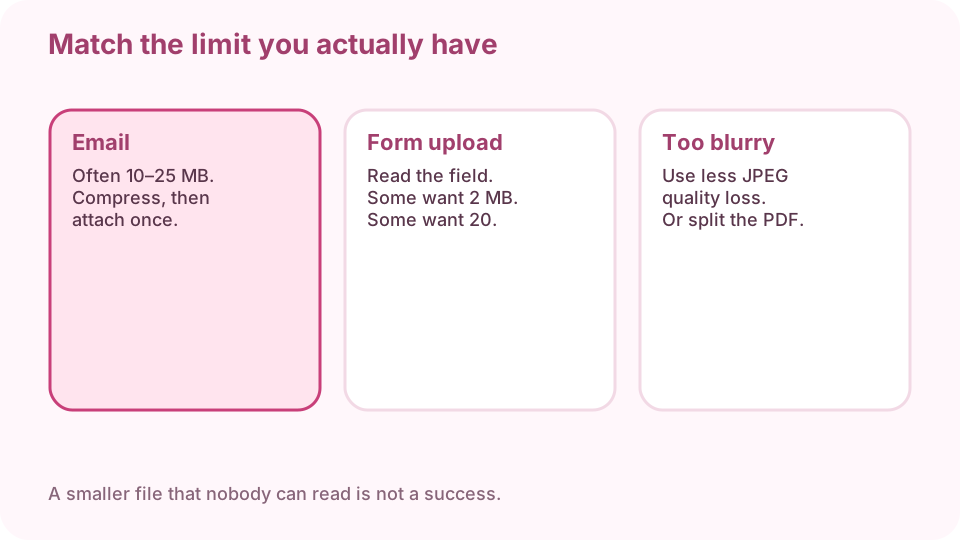
Match email, form, or upload limits — they are not the same. Open compress PDF on cv.cm
Drop the PDF. Work stays in this tab. Closing it discards the result.
Open Compress PDFRun compression
Pages are re-encoded. Text usually survives. Photos take the hit. Wait until the new size appears.
Compare size against a real page
If it is still over the cap, compress again or split. If a photo page is mushy, use milder compression — pick the largest file that still fits.
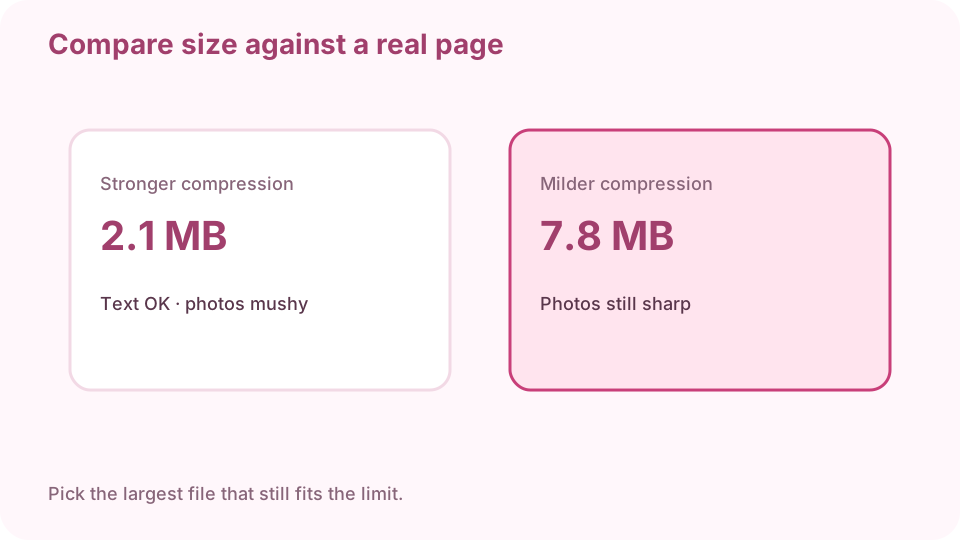
Pick the largest file that still fits. Then read a real page. Download the smaller PDF
Keep the original until you have opened the new file.
Open a photo-heavy page at 100%
If digits in a table smear, you overshot. Go back one quality step. A thumbnail can look fine while the full page does not.
FAQ
How do I reduce PDF file size without Adobe?
Re-encode pages in this tab, then open a photo page to check.
Why is my compressed PDF blurry?
Photos were re-encoded too hard. Use milder compression or split the PDF.
Are files uploaded?
No. Closing the tab discards the result.
What size should I aim for?
The field you will upload to. Email is often 10–25 MB. Some forms want 2 MB.
Can I compress without losing text?
Usually yes. Check a table of digits at 100% after export.