PDF and photos
How to convert HEIC to JPG
HEIC is smaller. JPG opens on Windows and in most chat apps. You will convert a copy in this tab and open the JPG once before sending.
Open the convert tool in Safari or Chrome. Firefox on Windows often cannot decode HEIC. Convert a copy; keep the original if you still edit on iPhone.
Open HEIC to JPGContents
Know why the file is HEIC
iPhone has saved HEIC by default since iOS 11. It is half the size of JPEG. Windows, WeChat, and many school forms still want JPG.
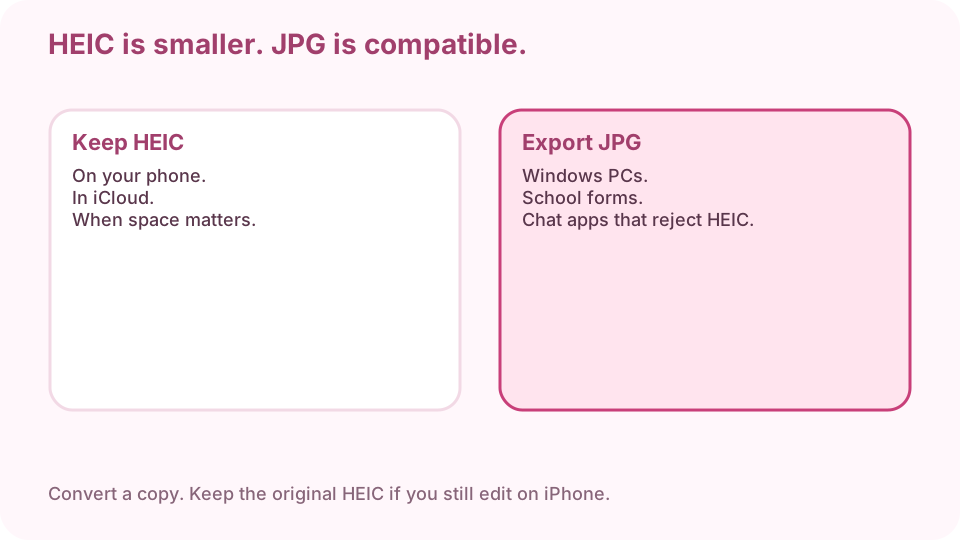
Keep HEIC on the phone. Export JPG for Windows, WeChat, and forms. Find the .HEIC in Files or Photos
On Mac, export from Photos or copy from Files. AirDrop a HEIC to a PC and you will see .HEIC. Convert that copy, not a screenshot of the photo.
Open convert in Safari or Chrome
Firefox on Windows often cannot decode HEIC. If the preview is blank, switch browser — do not keep dropping the same file.
Open HEIC to JPGDrop files and pick JPG
Drop one or many .HEIC files. Choose JPG. Optional resize only if a form has a pixel cap.
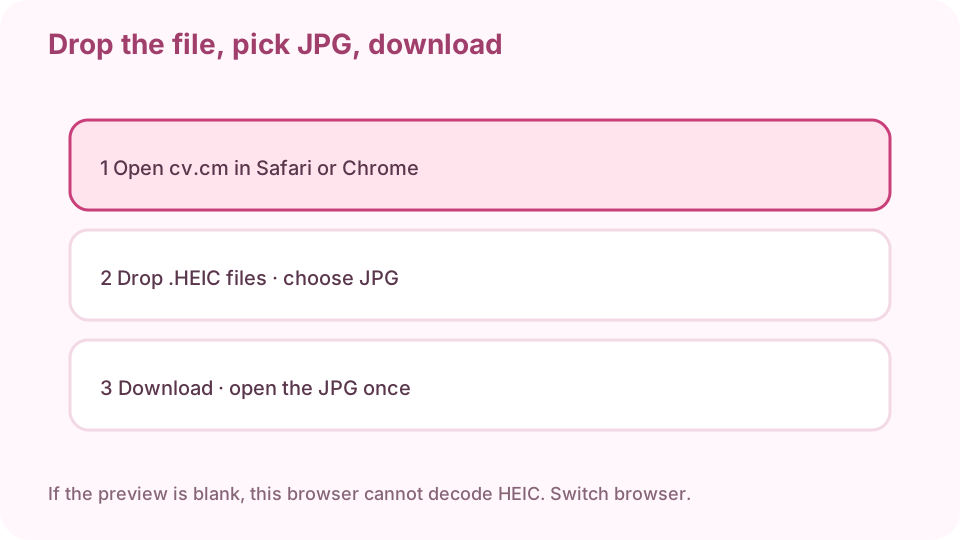
Safari or Chrome, drop HEIC, pick JPG, download, open once. Download the JPG
Download the JPG (or a ZIP of many). Keep the HEIC until you have opened the JPG.
Open the JPG on the destination computer
AirDrop or USB the JPG to Windows and double-click it. If Photos opens it, you are done. If it still fails, you sent the HEIC by mistake.
Keep the original HEIC if you still edit on iPhone
JPG is the copy you send. HEIC is the archive. Converting does not improve sharpness; it only changes compatibility.
FAQ
How do I convert HEIC to JPG on Windows?
Use Chrome or Edge on that PC, or convert on a Mac/iPhone first and send the JPG.
Why is the preview blank?
This browser cannot decode HEIC. Switch to Safari or Chrome. Firefox on Windows often fails.
Are files uploaded?
No. Conversion stays in this tab.
Does converting make the photo sharper?
No. It only changes compatibility. Keep the HEIC if you still edit on iPhone.
Can I convert several HEIC files at once?
Yes. Drop a batch and download a ZIP of JPGs.