Developer tools
How to check your monitor's refresh rate (Hz)
You bought a 120, 144 or 240 Hz screen and want to be sure it runs that fast. You will measure the rate in the browser, read frame time and skipped frames, and check the usual settings that hold it back. Nothing is uploaded.
The browser draws once per screen refresh, so this measures what you actually get, including caps from settings or power saving.
Open Refresh rate testContents
Know what refresh rate means
Refresh rate is how many times a second the screen shows a new image. 60 Hz is a new frame every 16.7 ms, 144 Hz every 6.9 ms, 240 Hz every 4.2 ms.
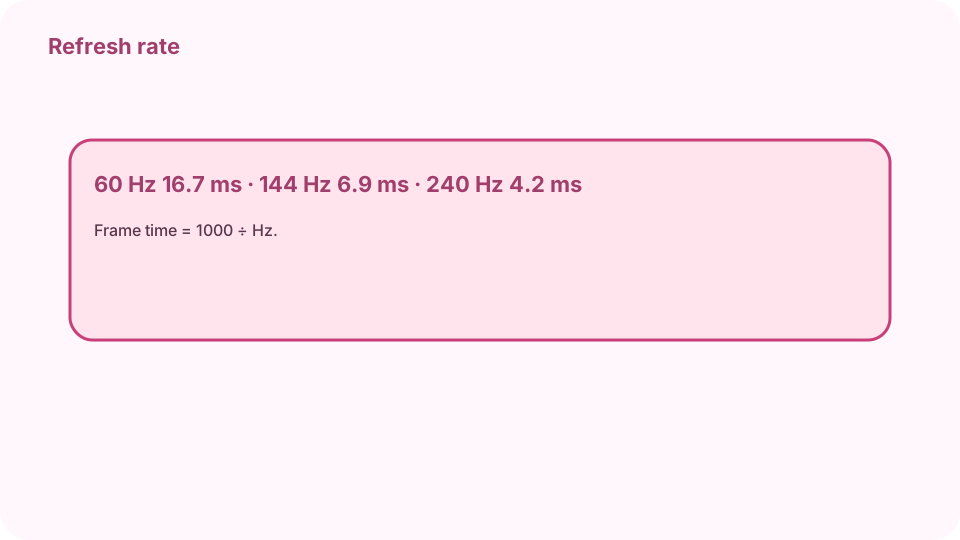
60 Hz = 16.7 ms · 120 Hz = 8.3 ms · 144 Hz = 6.9 ms · 240 Hz = 4.2 ms. Open Refresh rate test on cv.cm
The test starts by itself. Keep the tab in front and the window on the screen you want to test for a few seconds.
Open Refresh rate testRead the result
The big number is the measured rate in Hz, with the nearest standard rate below. Frame time is the median time between frames.
Check skipped frames and motion
Spikes in the graph are skipped frames. Watch the moving block at different speeds: at a higher rate it moves in smaller steps and looks smoother.
Fix a screen stuck at 60 Hz
Set the rate in system display settings, use a cable and port that carry it (DisplayPort or HDMI 2.0+), turn off battery saver, and plug the laptop in.
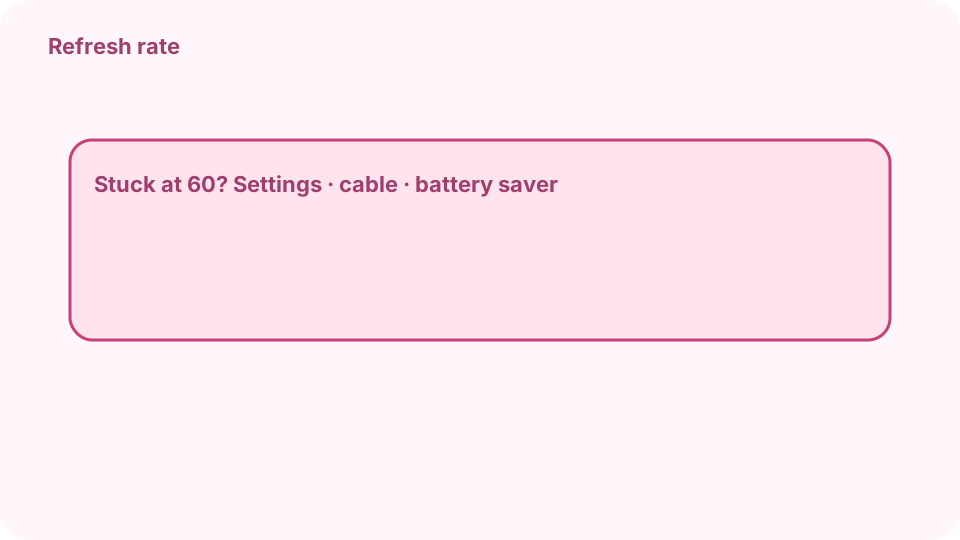
Stuck at 60: settings · cable · battery saver · screen. Measure again
Press Measure again after each change. With two screens, drag the window to the other one and measure there too.
FAQ
Is the browser measurement accurate?
It is accurate to the rate the browser draws at, which is the screen's rate unless something caps it. Small differences (143.9 instead of 144) are normal.
Why does my 144 Hz monitor show 60 Hz?
The system setting is still 60 Hz, the cable or port cannot carry more, battery saver is on, or the window is on another 60 Hz screen.
What is frame time?
The time between two frames in milliseconds: 1000 divided by the refresh rate.
Does a higher refresh rate matter outside games?
Scrolling, cursor movement and video look smoother, and fast motion is easier to follow.
Is anything uploaded?
No. The frames are counted in your browser tab.