PDF and photos
How to convert JPG images to PDF
You will make one PDF from several photos in this tab. List order is page order. Then you open the file and count.
Open the images-to-PDF tool when the photos are on disk. HEIC may fail in Firefox — convert to JPG first. Nothing is uploaded.
Open JPG to PDFContents
Put the photos in the order you want pages
Cover first, receipt last. Rename if it helps. One photo becomes one page.
Open JPG to PDF on cv.cm
Drop the files. Work stays in this tab.
Open JPG to PDFReorder if the list is wrong
The first row is page 1. Drag until the cover is on top.
Pick A4 / Letter or fit-to-photo
A4 or Letter for printers and forms (photos get margins). Fit-to-photo fills the page — better for a lookbook, worse for office printers.
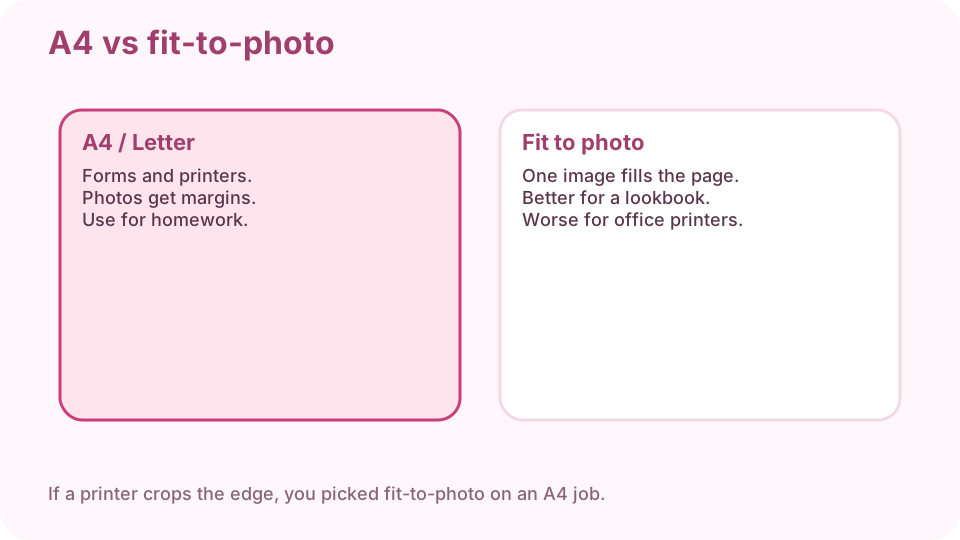
A4/Letter for forms. Fit-to-photo fills the page. Download the PDF
One file. Keep the photos until you have flipped the PDF.
Open it and count pages
Four photos should be four pages. If you see three, one file failed to decode — often HEIC in Firefox. Convert that one to JPG and add it.
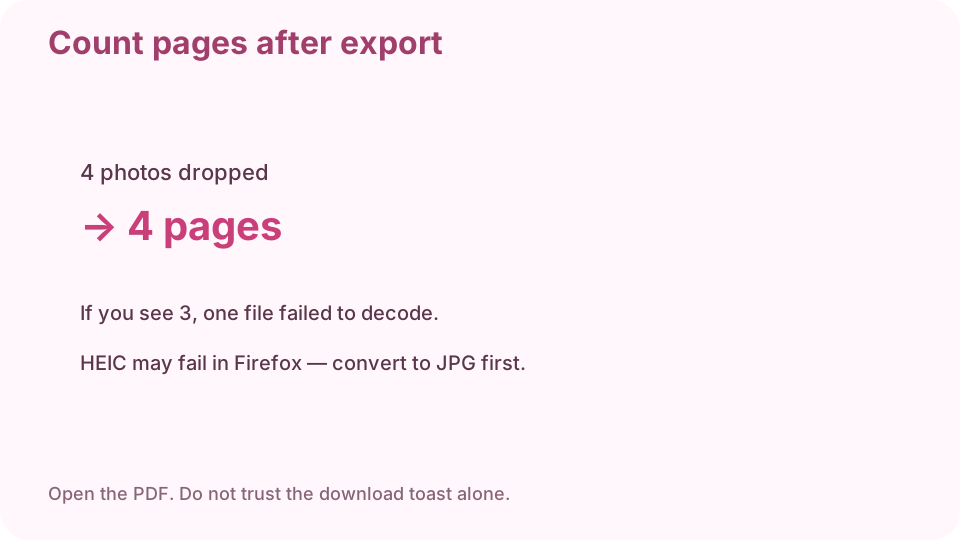
Count pages after export. Do not trust the download toast alone.
FAQ
How do I convert JPG to PDF for free?
Drop the photos on cv.cm in this tab and download one PDF. Nothing is uploaded.
Can I convert several images into one PDF?
Yes. List order is page order. Reorder before you download.
A4 or fit-to-photo?
A4/Letter for printers and forms. Fit-to-photo for a full-bleed lookbook.
Why is a photo missing?
It failed to decode — often HEIC in Firefox. Convert that file to JPG and add it.
Are photos uploaded?
No. Closing the tab discards the list.