Games
How to open SWF files without Flash
You have a .swf file and Flash Player no longer works. You will open it in a browser tab with Ruffle, turn on the sound, play it, and see what to do when it stops loading. The file stays on your device.
Do not install old Flash Player downloads from other sites. Adobe stopped supporting Flash Player and recommends uninstalling it.
Open Flash playerContents
Know what a SWF is
A SWF is a Flash file: a game, animation or small app. Adobe ended Flash Player support on December 31, 2020 and blocked Flash content from January 12, 2021, so browsers no longer run these files by themselves.
Open the Flash player on cv.cm
Press Choose SWF and pick your .swf file. It stays in this tab and is not sent to a server. The first start also downloads Ruffle, an open-source Flash emulator, which can take a few seconds.
Open Flash playerTurn on the sound
Browsers may block audio that plays by itself. If you hear nothing, click the picture once.
Play it
Most Flash files use the left mouse button. A tap on a phone counts as a click. Arrow keys work when the game expects a keyboard, so a computer is easier for those games.
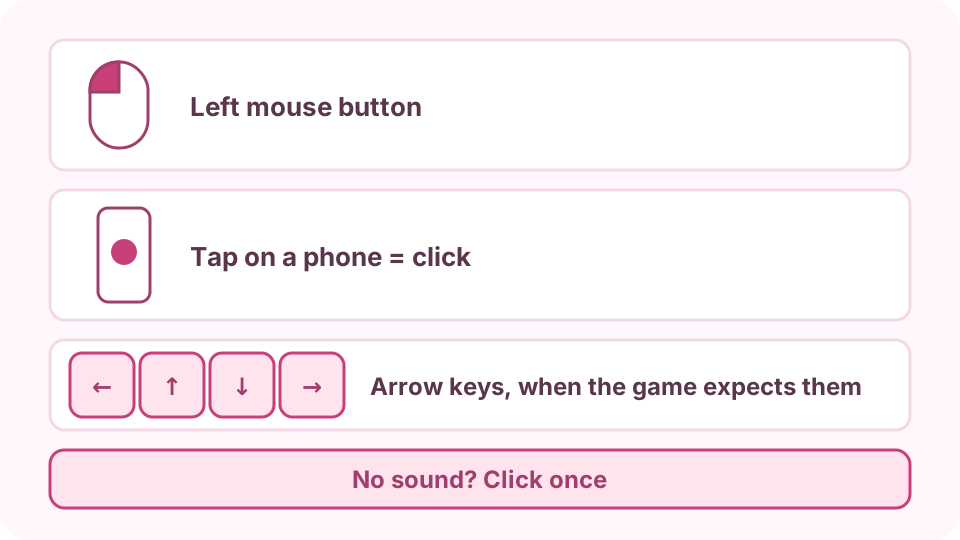
How mouse, touch and keyboard work in a Flash file. See why a file stops loading
This page only runs a file that can start on its own, and it blocks network access. A game that loads more SWFs or XML, or only runs on its old website, stops on its loader.
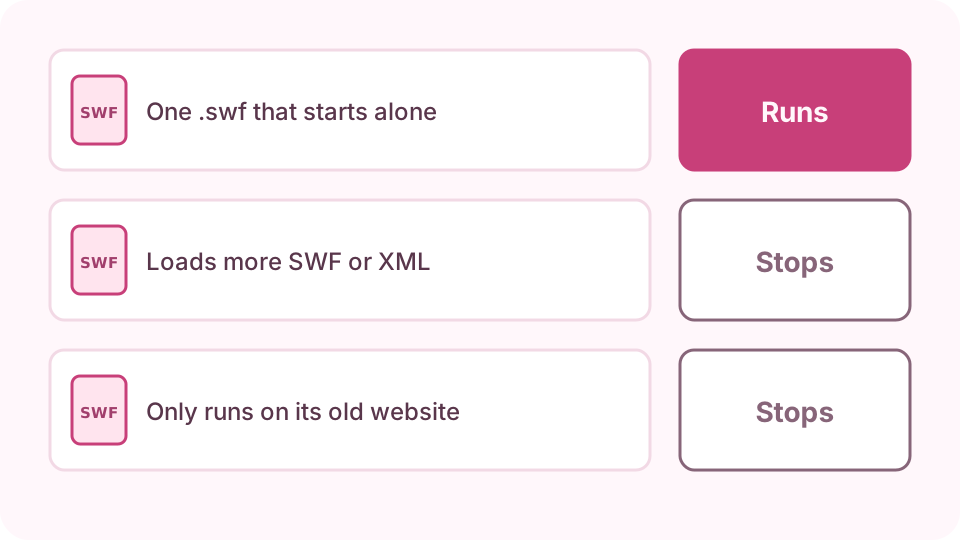
A SWF that starts alone runs. One that needs other files or its old website stops. Try something else if it fails
Ruffle runs most older ActionScript 1 and 2 files, but its ActionScript 3 support is incomplete, so some newer games fail or misbehave. Choose SWF again to open another file, or play the free titles under Flash games.
FAQ
Do I need Adobe Flash Player?
No. Ruffle runs the file in the page, so there is nothing to install. This page is not from Adobe.
Is my SWF uploaded?
No. The file stays in this tab and is not sent to a server.
Why is there no sound?
Browsers may block audio that plays by itself. If you hear nothing, click the picture once.
Why does it stop on the loading screen?
The game probably needs more files or its old website. This page blocks network access, so it cannot fetch them.
Can I open a SWF on a phone?
Yes. A tap counts as a click. Games that need a keyboard are easier on a computer.